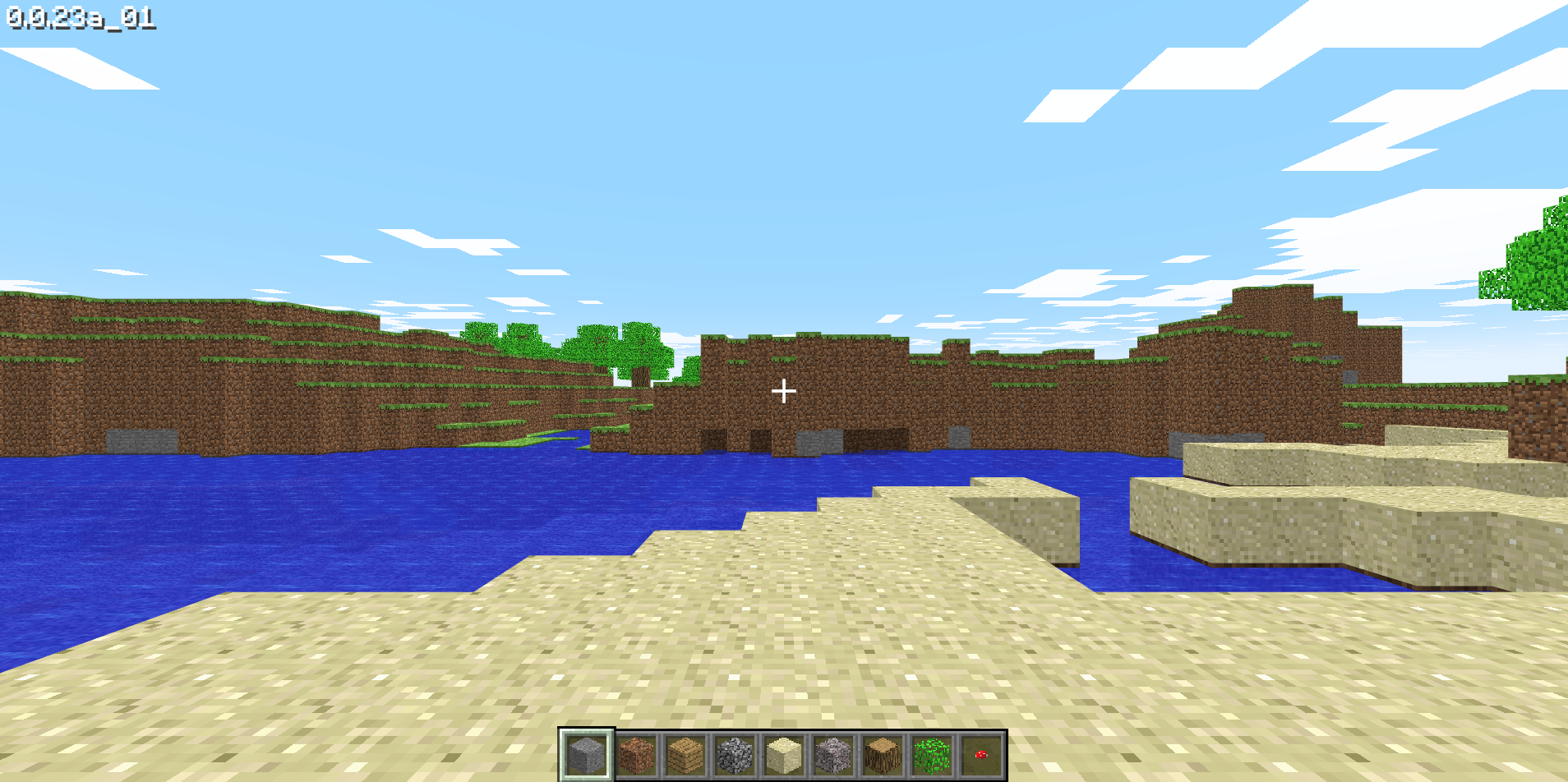
What is Minecraft Classic?
Minecraft Classic is Mojang’s browser recreation of an early Minecraft release from 2009. Its 32 block types provide a small, focused building space. Pick a patch of ground, choose a material and try building a house, a garden or a staircase into a hill.
How to play
Use W, A, S and D to move, the mouse to look around and Space to jump. Press B to open the block menu. The mouse controls placing and removing blocks. Click inside the game so it can receive keyboard input. This edition is intended for a desktop browser with a keyboard and mouse.
Try this
Start with a footprint before building the walls. Keep a space for the door and step back occasionally to check proportions. For modern survival, current multiplayer and mobile play, explore the full editions on Minecraft.net.
If the game does not open
Give the game a moment to load its own resources. Check the controls and browser requirements before retrying. If the external host is unavailable, try later or open the developer’s page. You can also return to the collection for another pick.
Creator and source
This game is credited to Mojang Studios. See the original project for its full instructions. The preview image comes from the browser version checked for this listing.
Share a tip or report a problem
Comments are reviewed before publication. Keep personal information out of your message.